跳到正文

Desktop

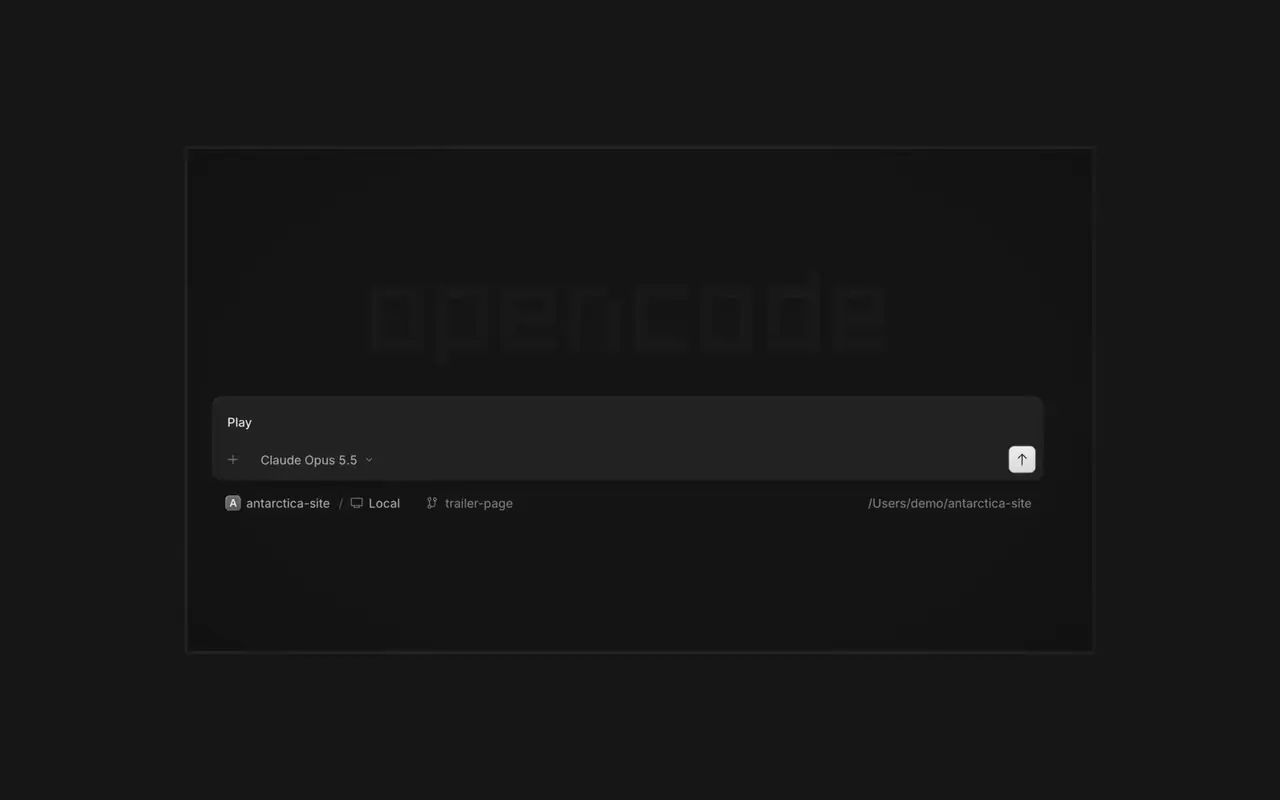
同时运行多个代理,每个会话都有独立的标签页。以 diff 审查每处更改,在任意一行添加评论,并在内置浏览器中检查结果。支持 macOS、Windows 和 Linux。

功能

标签页中的会话

让多个代理同时工作,每个会话都有自己的标签页。

审查和评论

以 diff 阅读每处更改,在某一行添加评论并发回。

在浏览器中查看

代理的成果一出来,就会在会话旁的浏览器中打开。

配对手机

在 OpenCode Mobile 中扫描二维码,用 iPhone 引导会话。

  • 内置终端在会话旁的终端标签页中运行命令。
  • SSH 服务器通过 SSH 连接到另一台机器,处理其中的项目。
  • 扩展在同一个菜单中管理 MCP 服务器、插件和技能。
  • 所有项目在一个窗口中切换项目及其会话。
  • WSL在 Windows 上,可以在 WSL 2 发行版中运行会话,而不是原生运行。
  • Office 文件在会话旁打开 Word、Excel 和 PowerPoint 文件。
  • 键盘快捷键每个操作都有快捷键,而且都可以自定义。
  • 自动更新新版本会在应用内下载并安装。

  • macOS (Apple Silicon)下载
  • macOS (Intel)下载
  • Windows (x64)下载
  • Linux (.deb)下载
  • Linux (.rpm)下载
  • brewbrew install --cask opencode-desktop

更新日志

  1. v2.2.5

    Worktree and Shell Mode Shortcuts

    Press ⌘⌥O on macOS or Ctrl+Alt+O on Windows and Linux to choose a worktree, and ⌘⌥B or Ctrl+Alt+B to choose its base branch. ⌘⇧X or Ctrl+Shift+X now toggles shell mode in the composer.#60713

    Send Quotes From the Comment Popup

    Hold ⌘ or Ctrl in the quote popup to turn its checkmark into send, or press ⌘Enter or Ctrl+Enter, to send just that quote and comment while leaving the rest of the composer untouched.#60640

    改进

    • DesktopAdded flat input surfaces and a compact input size.#60598

    修复

    • Terminal, DesktopThe connect menu no longer lists MCP servers, which are managed in their own place.#60675
    • DesktopAdded the missing top inset to the search field in the recently closed menu.#60652
  2. v2.2.4

    Persistent Desktop Terminals

    Desktop terminals now belong to the session, survive server restarts with their scrollback, and stay synchronized with the TUI and other windows. Renamed terminals also keep their names across restarts.#60346

    Guided Claude Agent Setup

    Select Claude Agent from the provider picker to copy claude auth login, install Claude Code, and verify the connection before continuing to model selection.#60603

    Choose a Base Branch Quickly

    While creating a worktree, open Choose base branch with ⌘⌥. on macOS or Ctrl+Alt+. on Windows and Linux. The command is also available in the command palette and Settings › Shortcuts.#60579

    改进

    • DesktopSimplified the session location popover and made long paths easier to read.#60492

    修复

    • DesktopKept terminal tab clicks and rename fields attached to the intended tab.#60645
    • DesktopListed matching commands before sessions in command-palette search.#60616
    • DesktopRestored copying user messages from an open actions menu.#60576
    • DesktopReduced repeated work and allocations while streaming Markdown, especially in long sessions.#60549#60562#60577
  3. v2.2.3

    Faster Long Sessions in Desktop

    Streaming replies and long conversations now do much less rendering work.#60489#60521#60513#60481

    Desktop Stability Fixes

    Fixes side-panel tabs, repeated "Session not found" toasts, and Open file over HTTP.#60430#60436#60459#60462

    改进

    • DesktopAdded a Desktop spellcheck toggle under Settings → General and system-language dictionary selection on Windows and Linux.#59129
    • DesktopAdded PageUp and PageDown timeline paging from the composer without moving the draft cursor or focus.#59426
    • DesktopAdded independently configurable question notifications and sounds under Settings → Notifications → Questions.#60358@YuriNek0
    • DesktopAdded separate project and worktree actions to the new-session control.#60486
    还有 4 项 改进

    修复

    • DesktopKept question options and submit controls reachable on mobile.#60335
    • DesktopPreserved simultaneous request notifications and inbox scroll position when opening sessions.#60378#60356
    • DesktopFixed consecutive dropped files so every file mention is inserted into the composer.#60463
    • DesktopKept the current @ and command-menu selection stable while results update under a stationary pointer.#59434#60368
    还有 7 项 修复
查看全部更新