İçeriğe geç

Desktop

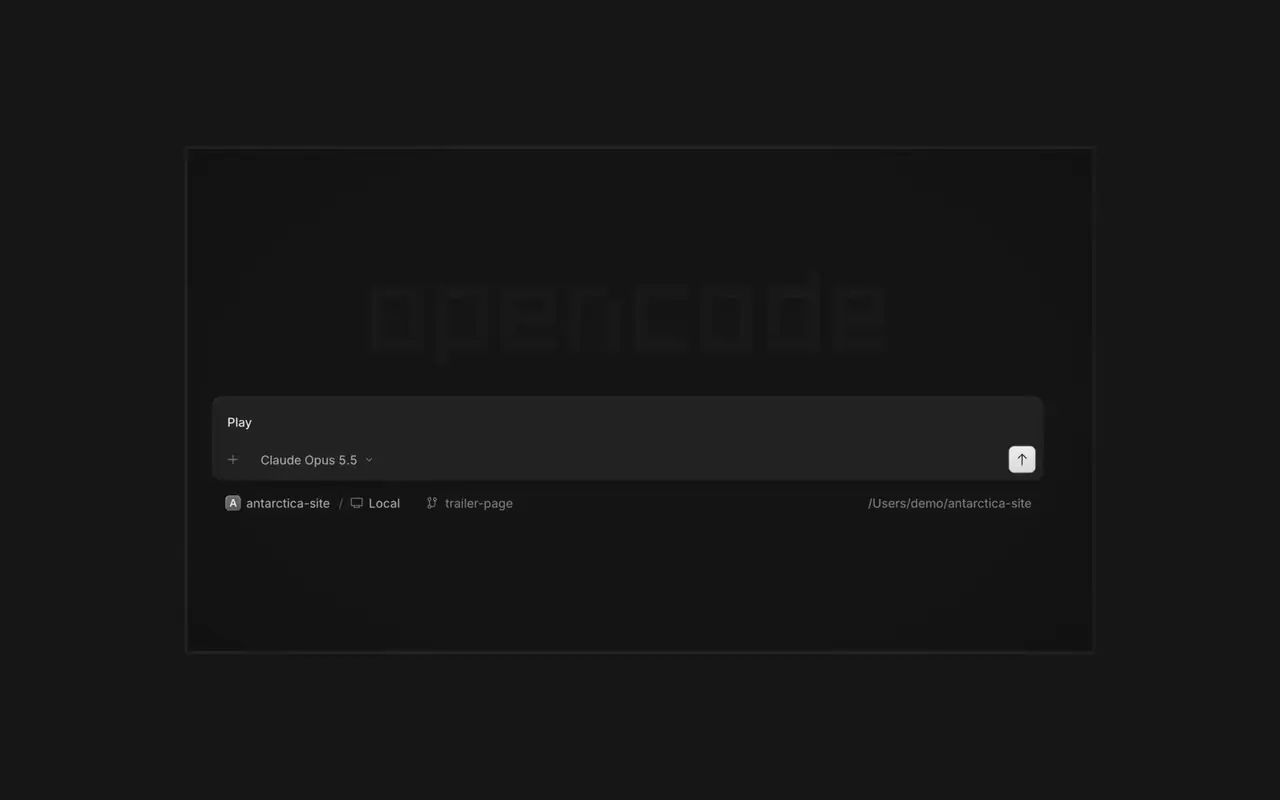
Birden fazla ajanı aynı anda, her oturumu kendi sekmesinde çalıştırın. Her değişikliği diff olarak inceleyin, istediğiniz satıra yorum yapın ve sonucu yerleşik tarayıcıda kontrol edin. macOS, Windows ve Linux için.

Özellikler

Sekmelerde oturumlar

Birden fazla ajanı aynı anda, her biri kendi sekmesinde çalıştırın.

İncele ve yorumla

Değişiklikleri diff olarak okuyun, satıra yorum yapıp geri gönderin.

Tarayıcıda gör

Ajanın işi geldikçe oturumun yanındaki bir tarayıcıda açılır.

Telefonu eşle

Oturumları iPhone'unuzdan yönetmek için OpenCode Mobile'da bir QR kodu okutun.

  • Yerleşik terminalKomutları oturumun yanındaki bir terminal sekmesinde çalıştırın.
  • SSH sunucularıSSH ile başka bir makineye bağlanın ve oradaki projelerde çalışın.
  • EklentilerMCP sunucularını, eklentileri ve becerileri tek menüden yönetin.
  • Tüm projelerinizProjeler ve oturumları arasında tek pencerede geçiş yapın.
  • WSLWindows'ta oturumları yerel yerine bir WSL 2 dağıtımında çalıştırın.
  • Office dosyalarıWord, Excel ve PowerPoint dosyalarını oturumun yanında açın.
  • KısayollarHer eylemin bir klavye kısayolu var ve hepsini değiştirebilirsiniz.
  • Kendini güncellerYeni sürümler uygulamanın içinden iner ve kurulur.

  • macOS (Apple Silicon)İndir
  • macOS (Intel)İndir
  • Windows (x64)İndir
  • Linux (.deb)İndir
  • Linux (.rpm)İndir
  • brewbrew install --cask opencode-desktop

Yenilikler

  1. v2.2.5

    Worktree and Shell Mode Shortcuts

    Press ⌘⌥O on macOS or Ctrl+Alt+O on Windows and Linux to choose a worktree, and ⌘⌥B or Ctrl+Alt+B to choose its base branch. ⌘⇧X or Ctrl+Shift+X now toggles shell mode in the composer.#60713

    Send Quotes From the Comment Popup

    Hold ⌘ or Ctrl in the quote popup to turn its checkmark into send, or press ⌘Enter or Ctrl+Enter, to send just that quote and comment while leaving the rest of the composer untouched.#60640

    İyileştirmeler

    • DesktopAdded flat input surfaces and a compact input size.#60598

    Düzeltmeler

    • Terminal, DesktopThe connect menu no longer lists MCP servers, which are managed in their own place.#60675
    • DesktopAdded the missing top inset to the search field in the recently closed menu.#60652
  2. v2.2.4

    Persistent Desktop Terminals

    Desktop terminals now belong to the session, survive server restarts with their scrollback, and stay synchronized with the TUI and other windows. Renamed terminals also keep their names across restarts.#60346

    Guided Claude Agent Setup

    Select Claude Agent from the provider picker to copy claude auth login, install Claude Code, and verify the connection before continuing to model selection.#60603

    Choose a Base Branch Quickly

    While creating a worktree, open Choose base branch with ⌘⌥. on macOS or Ctrl+Alt+. on Windows and Linux. The command is also available in the command palette and Settings › Shortcuts.#60579

    İyileştirmeler

    • DesktopSimplified the session location popover and made long paths easier to read.#60492

    Düzeltmeler

    • DesktopKept terminal tab clicks and rename fields attached to the intended tab.#60645
    • DesktopListed matching commands before sessions in command-palette search.#60616
    • DesktopRestored copying user messages from an open actions menu.#60576
    • DesktopReduced repeated work and allocations while streaming Markdown, especially in long sessions.#60549#60562#60577
  3. v2.2.3

    Faster Long Sessions in Desktop

    Streaming replies and long conversations now do much less rendering work.#60489#60521#60513#60481

    Desktop Stability Fixes

    Fixes side-panel tabs, repeated "Session not found" toasts, and Open file over HTTP.#60430#60436#60459#60462

    İyileştirmeler

    • DesktopAdded a Desktop spellcheck toggle under Settings → General and system-language dictionary selection on Windows and Linux.#59129
    • DesktopAdded PageUp and PageDown timeline paging from the composer without moving the draft cursor or focus.#59426
    • DesktopAdded independently configurable question notifications and sounds under Settings → Notifications → Questions.#60358@YuriNek0
    • DesktopAdded separate project and worktree actions to the new-session control.#60486
    4 tane daha i̇yileştirmeler

    Düzeltmeler

    • DesktopKept question options and submit controls reachable on mobile.#60335
    • DesktopPreserved simultaneous request notifications and inbox scroll position when opening sessions.#60378#60356
    • DesktopFixed consecutive dropped files so every file mention is inserted into the composer.#60463
    • DesktopKept the current @ and command-menu selection stable while results update under a stationary pointer.#59434#60368
    7 tane daha düzeltmeler
Tüm güncellemeleri gör