К содержимому

Desktop

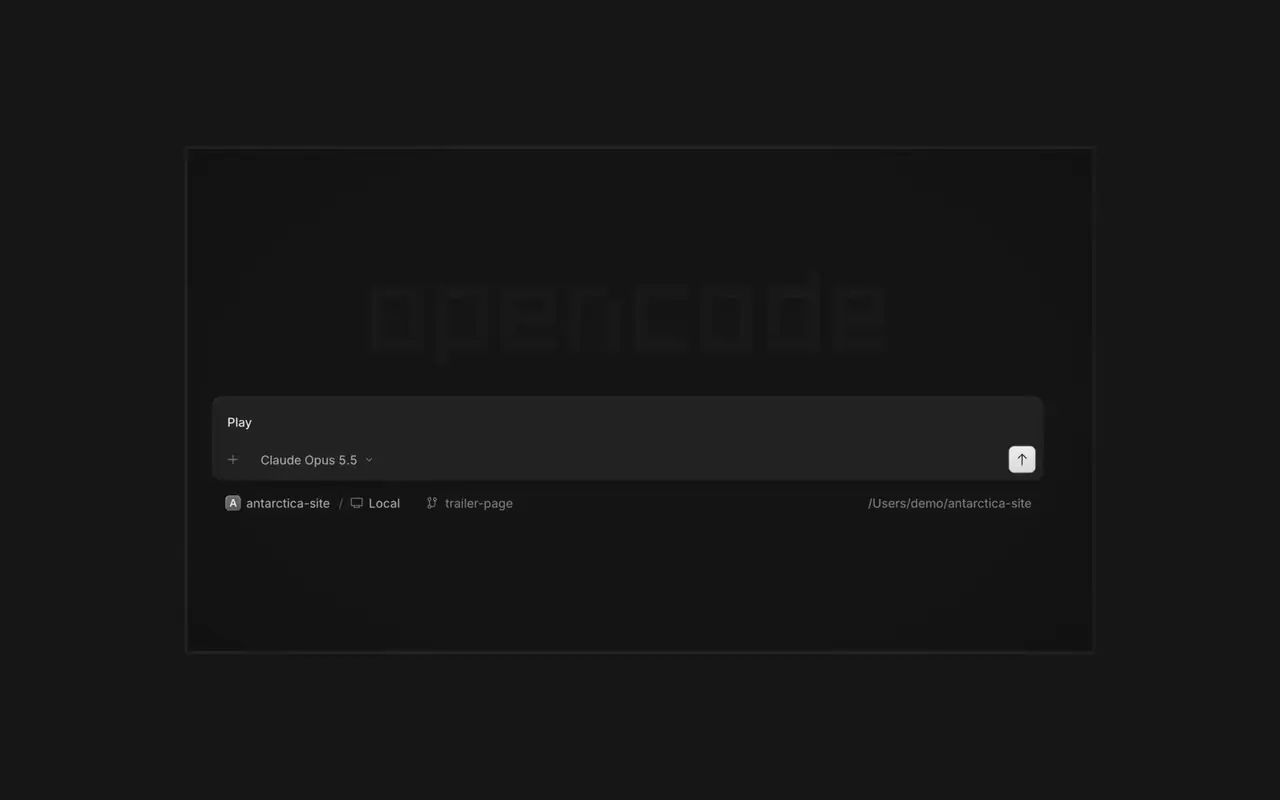
Запускайте несколько агентов сразу, каждую сессию в своей вкладке. Смотрите каждое изменение как дифф, комментируйте любую строку и проверяйте результат во встроенном браузере. Для macOS, Windows и Linux.

Возможности

Сессии во вкладках

Несколько агентов работают сразу, каждая сессия в своей вкладке.

Ревью и комментарии

Смотрите диффы, комментируйте строки и отправляйте их агенту.

Результат в браузере

Работа агента открывается в браузере рядом с сессией.

Привязка телефона

Отсканируйте QR-код в OpenCode Mobile, чтобы управлять сессиями с iPhone.

  • Встроенный терминалЗапускайте команды во вкладке терминала рядом с сессией.
  • SSH-серверыПодключайтесь к другой машине по SSH и работайте с её проектами.
  • РасширенияMCP-серверы, плагины и навыки в одном меню.
  • Все ваши проектыПереключайтесь между проектами и их сессиями в одном окне.
  • WSLВ Windows запускайте сессии в дистрибутиве WSL 2 вместо нативного режима.
  • Офисные файлыОткрывайте файлы Word, Excel и PowerPoint рядом с сессией.
  • Горячие клавишиУ каждого действия есть сочетание клавиш, и любое из них можно изменить.
  • СамообновлениеНовые версии скачиваются и устанавливаются из приложения.

Список изменений

  1. v2.2.5

    Worktree and Shell Mode Shortcuts

    Press ⌘⌥O on macOS or Ctrl+Alt+O on Windows and Linux to choose a worktree, and ⌘⌥B or Ctrl+Alt+B to choose its base branch. ⌘⇧X or Ctrl+Shift+X now toggles shell mode in the composer.#60713

    Send Quotes From the Comment Popup

    Hold ⌘ or Ctrl in the quote popup to turn its checkmark into send, or press ⌘Enter or Ctrl+Enter, to send just that quote and comment while leaving the rest of the composer untouched.#60640

    Улучшения

    • DesktopAdded flat input surfaces and a compact input size.#60598

    Исправления

    • Terminal, DesktopThe connect menu no longer lists MCP servers, which are managed in their own place.#60675
    • DesktopAdded the missing top inset to the search field in the recently closed menu.#60652
  2. v2.2.4

    Persistent Desktop Terminals

    Desktop terminals now belong to the session, survive server restarts with their scrollback, and stay synchronized with the TUI and other windows. Renamed terminals also keep their names across restarts.#60346

    Guided Claude Agent Setup

    Select Claude Agent from the provider picker to copy claude auth login, install Claude Code, and verify the connection before continuing to model selection.#60603

    Choose a Base Branch Quickly

    While creating a worktree, open Choose base branch with ⌘⌥. on macOS or Ctrl+Alt+. on Windows and Linux. The command is also available in the command palette and Settings › Shortcuts.#60579

    Улучшения

    • DesktopSimplified the session location popover and made long paths easier to read.#60492

    Исправления

    • DesktopKept terminal tab clicks and rename fields attached to the intended tab.#60645
    • DesktopListed matching commands before sessions in command-palette search.#60616
    • DesktopRestored copying user messages from an open actions menu.#60576
    • DesktopReduced repeated work and allocations while streaming Markdown, especially in long sessions.#60549#60562#60577
  3. v2.2.3

    Faster Long Sessions in Desktop

    Streaming replies and long conversations now do much less rendering work.#60489#60521#60513#60481

    Desktop Stability Fixes

    Fixes side-panel tabs, repeated "Session not found" toasts, and Open file over HTTP.#60430#60436#60459#60462

    Улучшения

    • DesktopAdded a Desktop spellcheck toggle under Settings → General and system-language dictionary selection on Windows and Linux.#59129
    • DesktopAdded PageUp and PageDown timeline paging from the composer without moving the draft cursor or focus.#59426
    • DesktopAdded independently configurable question notifications and sounds under Settings → Notifications → Questions.#60358@YuriNek0
    • DesktopAdded separate project and worktree actions to the new-session control.#60486
    Ещё 4 улучшения

    Исправления

    • DesktopKept question options and submit controls reachable on mobile.#60335
    • DesktopPreserved simultaneous request notifications and inbox scroll position when opening sessions.#60378#60356
    • DesktopFixed consecutive dropped files so every file mention is inserted into the composer.#60463
    • DesktopKept the current @ and command-menu selection stable while results update under a stationary pointer.#59434#60368
    Ещё 7 исправления
Все обновления