Saltar al contenido

Desktop

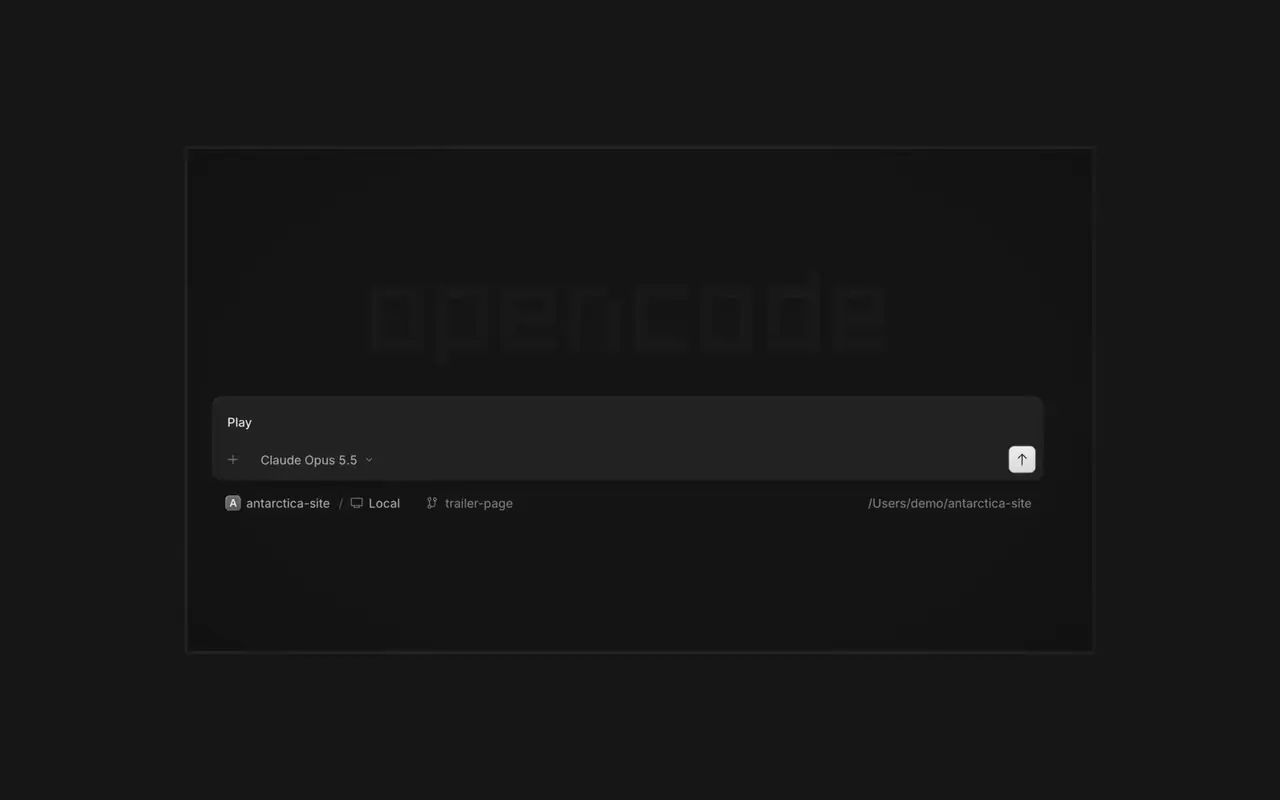
Ejecuta varios agentes a la vez, cada sesión en su propia pestaña. Revisa cada cambio como diff, comenta cualquier línea y comprueba el resultado en el navegador integrado. Para macOS, Windows y Linux.

Funciones

Sesiones en pestañas

Pon a trabajar varios agentes a la vez, cada sesión en su pestaña.

Revisa y comenta

Lee cada cambio como diff, comenta una línea y devuélvelo.

Míralo en el navegador

El trabajo del agente se abre en un navegador junto a la sesión según llega.

Vincula el móvil

Escanea un código QR en OpenCode Mobile para guiar sesiones desde tu iPhone.

  • Terminal integradaEjecuta comandos en una pestaña de terminal junto a la sesión.
  • Servidores SSHConéctate a otra máquina por SSH y trabaja en sus proyectos.
  • ExtensionesGestiona servidores MCP, plugins y skills en un solo menú.
  • Todos tus proyectosCambia entre proyectos y sus sesiones en una sola ventana.
  • WSLEn Windows, ejecuta las sesiones en una distro de WSL 2 en lugar de en nativo.
  • Archivos OfficeAbre archivos de Word, Excel y PowerPoint junto a la sesión.
  • Atajos de tecladoCada acción tiene un atajo de teclado, y puedes cambiar cualquiera.
  • Se actualiza solaLas nuevas versiones se descargan e instalan desde la app.

Novedades

  1. v2.2.5

    Worktree and Shell Mode Shortcuts

    Press ⌘⌥O on macOS or Ctrl+Alt+O on Windows and Linux to choose a worktree, and ⌘⌥B or Ctrl+Alt+B to choose its base branch. ⌘⇧X or Ctrl+Shift+X now toggles shell mode in the composer.#60713

    Send Quotes From the Comment Popup

    Hold ⌘ or Ctrl in the quote popup to turn its checkmark into send, or press ⌘Enter or Ctrl+Enter, to send just that quote and comment while leaving the rest of the composer untouched.#60640

    Mejoras

    • DesktopAdded flat input surfaces and a compact input size.#60598

    Correcciones

    • Terminal, DesktopThe connect menu no longer lists MCP servers, which are managed in their own place.#60675
    • DesktopAdded the missing top inset to the search field in the recently closed menu.#60652
  2. v2.2.4

    Persistent Desktop Terminals

    Desktop terminals now belong to the session, survive server restarts with their scrollback, and stay synchronized with the TUI and other windows. Renamed terminals also keep their names across restarts.#60346

    Guided Claude Agent Setup

    Select Claude Agent from the provider picker to copy claude auth login, install Claude Code, and verify the connection before continuing to model selection.#60603

    Choose a Base Branch Quickly

    While creating a worktree, open Choose base branch with ⌘⌥. on macOS or Ctrl+Alt+. on Windows and Linux. The command is also available in the command palette and Settings › Shortcuts.#60579

    Mejoras

    • DesktopSimplified the session location popover and made long paths easier to read.#60492

    Correcciones

    • DesktopKept terminal tab clicks and rename fields attached to the intended tab.#60645
    • DesktopListed matching commands before sessions in command-palette search.#60616
    • DesktopRestored copying user messages from an open actions menu.#60576
    • DesktopReduced repeated work and allocations while streaming Markdown, especially in long sessions.#60549#60562#60577
  3. v2.2.3

    Faster Long Sessions in Desktop

    Streaming replies and long conversations now do much less rendering work.#60489#60521#60513#60481

    Desktop Stability Fixes

    Fixes side-panel tabs, repeated "Session not found" toasts, and Open file over HTTP.#60430#60436#60459#60462

    Mejoras

    • DesktopAdded a Desktop spellcheck toggle under Settings → General and system-language dictionary selection on Windows and Linux.#59129
    • DesktopAdded PageUp and PageDown timeline paging from the composer without moving the draft cursor or focus.#59426
    • DesktopAdded independently configurable question notifications and sounds under Settings → Notifications → Questions.#60358@YuriNek0
    • DesktopAdded separate project and worktree actions to the new-session control.#60486
    4 más mejoras

    Correcciones

    • DesktopKept question options and submit controls reachable on mobile.#60335
    • DesktopPreserved simultaneous request notifications and inbox scroll position when opening sessions.#60378#60356
    • DesktopFixed consecutive dropped files so every file mention is inserted into the composer.#60463
    • DesktopKept the current @ and command-menu selection stable while results update under a stationary pointer.#59434#60368
    7 más correcciones
Ver todas las novedades