본문으로 건너뛰기

Desktop

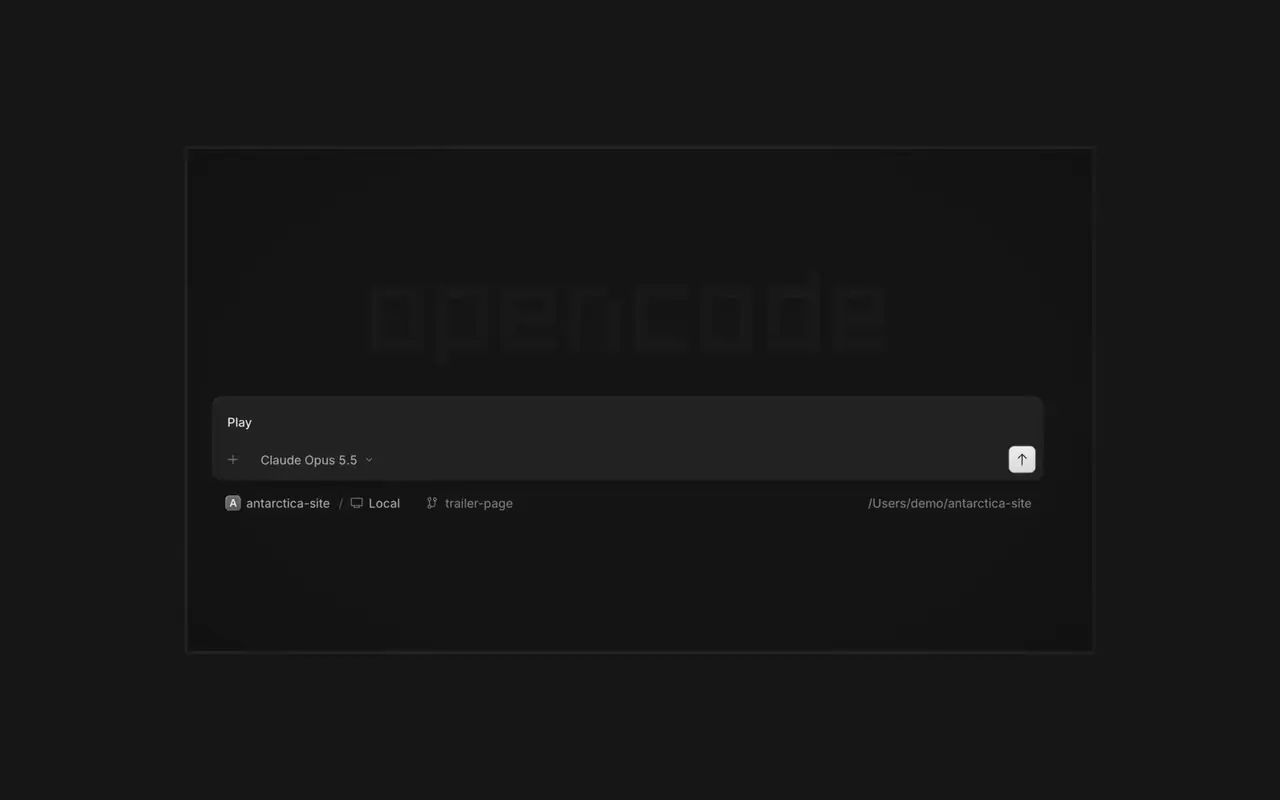
여러 에이전트를 동시에 실행하고, 세션마다 각자의 탭을 쓰세요. 모든 변경 사항을 diff로 검토하고, 원하는 줄에 댓글을 달고, 내장 브라우저에서 결과를 확인하세요. macOS, Windows, Linux를 지원합니다.

기능

탭으로 나뉜 세션

여러 에이전트를 동시에 일하게 하세요. 세션마다 탭이 따로 있습니다.

검토와 댓글

변경 사항을 diff로 읽고, 줄에 댓글을 달아 다시 보내세요.

브라우저에서 확인

에이전트의 결과물이 나오는 대로 세션 옆 브라우저에서 열립니다.

휴대폰 페어링

OpenCode Mobile에서 QR 코드를 스캔해 iPhone으로 세션을 조종하세요.

  • 내장 터미널세션 옆 터미널 탭에서 명령어를 실행하세요.
  • SSH 서버SSH로 다른 컴퓨터에 연결해 그곳의 프로젝트를 작업하세요.
  • 확장 프로그램MCP 서버, 플러그인, 스킬을 한 메뉴에서 관리하세요.
  • 모든 프로젝트한 창에서 프로젝트와 세션을 오가며 작업하세요.
  • WSLWindows에서 세션을 네이티브 대신 WSL 2 배포판에서 실행하세요.
  • Office 파일Word, Excel, PowerPoint 파일을 세션 옆에서 여세요.
  • 키보드 단축키모든 작업에 단축키가 있고, 원하는 대로 바꿀 수 있습니다.
  • 자동 업데이트새 버전을 앱에서 바로 다운로드하고 설치합니다.

변경 내역

  1. v2.2.5

    Worktree and Shell Mode Shortcuts

    Press ⌘⌥O on macOS or Ctrl+Alt+O on Windows and Linux to choose a worktree, and ⌘⌥B or Ctrl+Alt+B to choose its base branch. ⌘⇧X or Ctrl+Shift+X now toggles shell mode in the composer.#60713

    Send Quotes From the Comment Popup

    Hold ⌘ or Ctrl in the quote popup to turn its checkmark into send, or press ⌘Enter or Ctrl+Enter, to send just that quote and comment while leaving the rest of the composer untouched.#60640

    개선 사항

    • DesktopAdded flat input surfaces and a compact input size.#60598

    수정 사항

    • Terminal, DesktopThe connect menu no longer lists MCP servers, which are managed in their own place.#60675
    • DesktopAdded the missing top inset to the search field in the recently closed menu.#60652
  2. v2.2.4

    Persistent Desktop Terminals

    Desktop terminals now belong to the session, survive server restarts with their scrollback, and stay synchronized with the TUI and other windows. Renamed terminals also keep their names across restarts.#60346

    Guided Claude Agent Setup

    Select Claude Agent from the provider picker to copy claude auth login, install Claude Code, and verify the connection before continuing to model selection.#60603

    Choose a Base Branch Quickly

    While creating a worktree, open Choose base branch with ⌘⌥. on macOS or Ctrl+Alt+. on Windows and Linux. The command is also available in the command palette and Settings › Shortcuts.#60579

    개선 사항

    • DesktopSimplified the session location popover and made long paths easier to read.#60492

    수정 사항

    • DesktopKept terminal tab clicks and rename fields attached to the intended tab.#60645
    • DesktopListed matching commands before sessions in command-palette search.#60616
    • DesktopRestored copying user messages from an open actions menu.#60576
    • DesktopReduced repeated work and allocations while streaming Markdown, especially in long sessions.#60549#60562#60577
  3. v2.2.3

    Faster Long Sessions in Desktop

    Streaming replies and long conversations now do much less rendering work.#60489#60521#60513#60481

    Desktop Stability Fixes

    Fixes side-panel tabs, repeated "Session not found" toasts, and Open file over HTTP.#60430#60436#60459#60462

    개선 사항

    • DesktopAdded a Desktop spellcheck toggle under Settings → General and system-language dictionary selection on Windows and Linux.#59129
    • DesktopAdded PageUp and PageDown timeline paging from the composer without moving the draft cursor or focus.#59426
    • DesktopAdded independently configurable question notifications and sounds under Settings → Notifications → Questions.#60358@YuriNek0
    • DesktopAdded separate project and worktree actions to the new-session control.#60486
    4개 더 보기 개선 사항

    수정 사항

    • DesktopKept question options and submit controls reachable on mobile.#60335
    • DesktopPreserved simultaneous request notifications and inbox scroll position when opening sessions.#60378#60356
    • DesktopFixed consecutive dropped files so every file mention is inserted into the composer.#60463
    • DesktopKept the current @ and command-menu selection stable while results update under a stationary pointer.#59434#60368
    7개 더 보기 수정 사항
전체 업데이트 보기