Brand guidelines
Resources and assets to help you work with the OpenCode brand.
Write OpenCode as one word, with a capital O and a capital C. Do not write Opencode, Open Code, OpenCode AI or Open-Code.
Use the lowercase opencode only in code and package names, such as opencode-figma or @acme/opencode-plugin.
The logo on its own, for app icons, avatars and other small spaces. The square versions add padding for places that crop to a square.
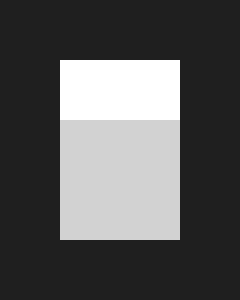
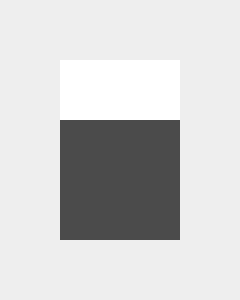
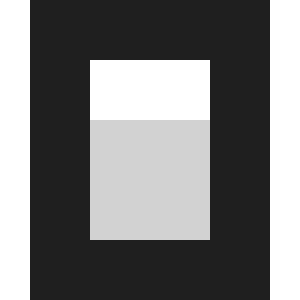
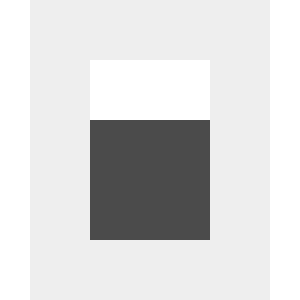
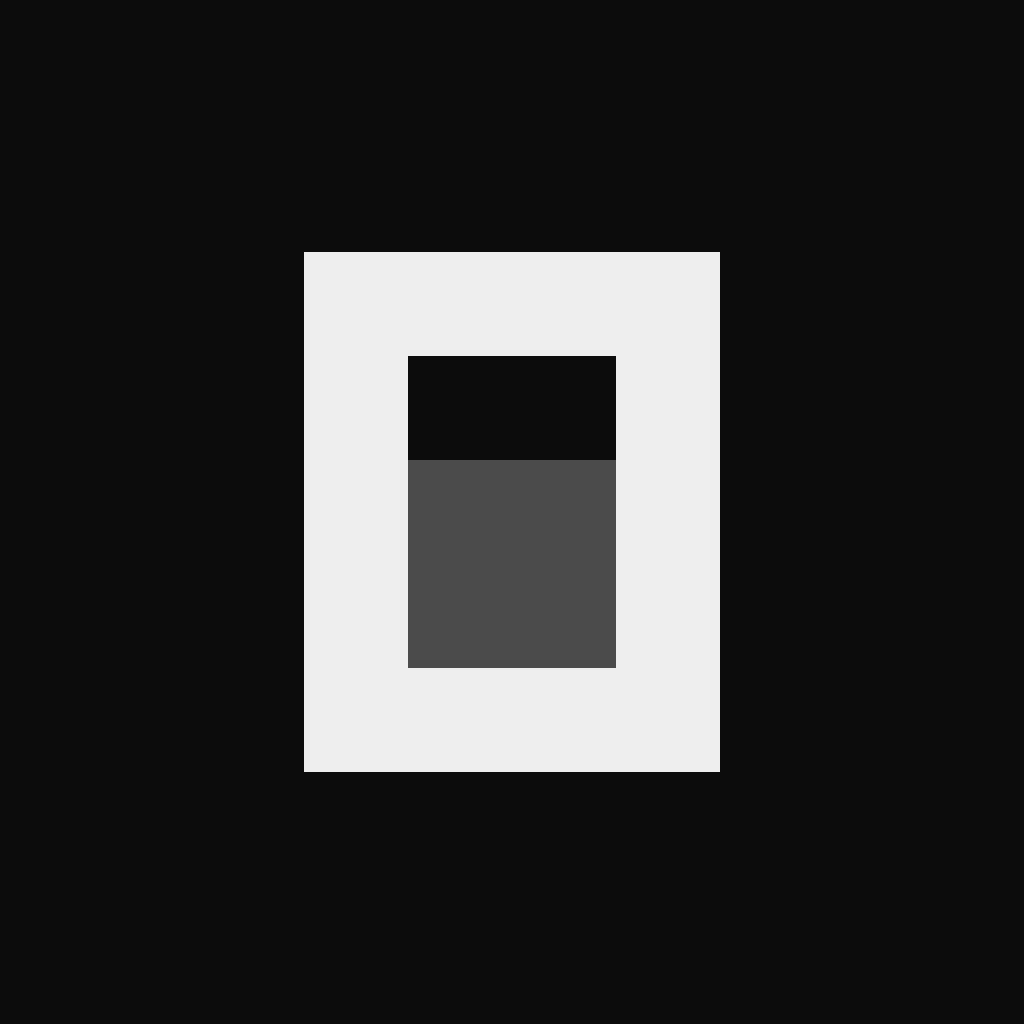





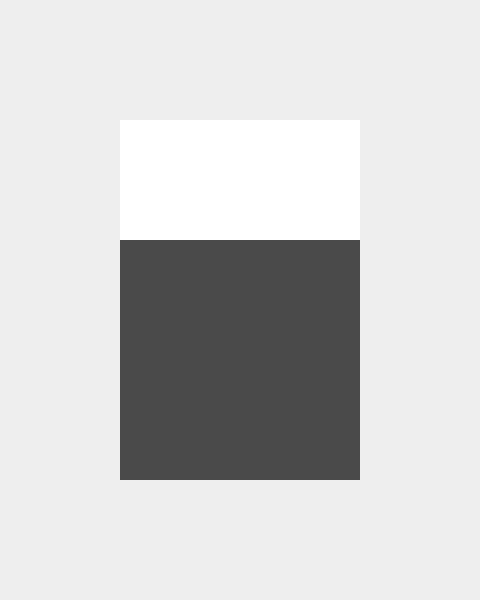
Pick the version that keeps the logo clear on your background, dark on light backgrounds and light on dark ones. The logo and the wordmark are separate files, so use one or the other.
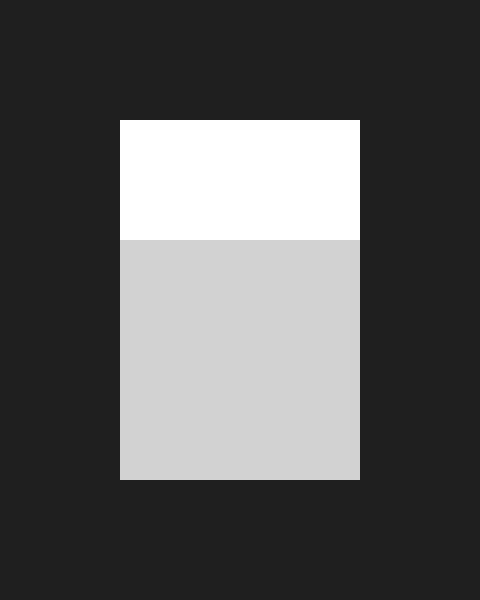
The logo to use almost everywhere. Its inner shade is transparent: on white or black it looks exactly like the two-tone greys, and on photos, gradients and colors the background shows through.
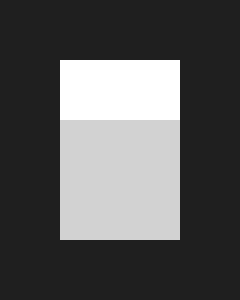





The logo and the wordmark use one ink at three opacities, with a lighter ink for dark backgrounds. The values below are that ink over white or #0B0B0B, as the standard files show it. Click a value to copy it.
- InkThe logo's outline and the letters of “code”.
- Ink 70%The letters of “open”. The ink at 70% opacity.
- Ink 20%The logo's inner shade. The ink at 20% opacity.
- InkThe logo's outline and the letters of “code”.
- Ink 72%The letters of “open”. The ink at 72% opacity.
- Ink 28%The logo's inner shade. The ink at 28% opacity.
Use the light versions on light backgrounds and the dark versions on dark backgrounds. The logo and the wordmark are separate, so use one or the other, never both together.
Keep at least two strokes of space on every side of the logo and the wordmark. For the logo, a stroke is the thickness of its outline, a quarter of its width; for the wordmark, it is the thickness of its letters, a seventh of its height.
Do keep every edge and the 4px stroke on whole pixels. Do not size the logo off 4:5, or its edges fall between pixels and blur. The logo's proportions are fixed at 4:5, and one stroke is a quarter of its width. Scale it in steps of 4 × 5px, so every edge and every stroke lands on a whole pixel.
Logo Stroke 16 × 20px 4px 20 × 25px 5px 24 × 30px 6px 32 × 40px 8px 48 × 60px 12px 64 × 80px 16px Wordmark Stroke 78 × 14px 2px 117 × 21px 3px 156 × 28px 4px 195 × 35px 5px 234 × 42px 6px 312 × 56px 8px Logo
At least 16 × 20px, with a 4px stroke. Any smaller and it blurs.Wordmark
At least 117 × 21px, with a 3px stroke. Any smaller and it blurs.
Common mistakes to avoid when you use the logo and the wordmark.
Do not recolor the logo in new colors. Do not use a single bright color. Do not fill the logo with a gradient. Do not swap the tones. Do not stretch or squash the logo. Do not add drop shadows. Do not add glows or outlines. Do not put other words next to the logo. Do not use low-contrast grey on grey. Do not put the grey two-tone logo on a colored background, where its greys turn muddy.
Plugins, providers and tools that work with OpenCode, and projects built with it, can say so. Use a badge or a partner lockup, and name your project so it is clear that it is yours.
Put a badge in your README, docs or website and link it to opencode.ai. Pick the light or dark file for your background (the HTML switches by itself), and do not change the colors or the text. Every style comes in 20, 32 and 44px (Shields only in 20px), as SVG and as PNG at 2×.
For plugins, providers and tools that run with OpenCode.
























For projects made with OpenCode.

































Put the OpenCode logo and the partner logo side by side, with a × between them. Leave 3 strokes of space on each side of the ×, size the partner logo to look as tall as the OpenCode logo, and keep clear space around the whole lockup.
- OpenCode × GitHub, Light
- OpenCode × GitHub, Dark
Lead with your own name, so it is clear that the project is yours.
Write Linear for OpenCode or name the package opencode-linear. Do not write OpenCode Linear or Linear by OpenCode.
OpenCode and the OpenCode logo are trademarks of Anomaly. Do not use them to suggest that Anomaly endorses or sponsors you, in your product or company name, or on merchandise without permission. For questions, email press@opencode.ai.